

Buying Guide
USB vs XLR: Making the Right Choice
Your connectivity choice fundamentally shapes your streaming setup’s complexity and upgrade potential. USB microphones plug directly into your computer, requiring zero additional equipment. You’re streaming within minutes of unboxing, making USB the clear winner for beginners or streamers prioritizing simplicity.
XLR microphones demand an audio interface, adding $100-300 to your initial investment. However, this apparent drawback becomes a strength as your streaming grows. Professional XLR mics offer superior audio quality, and interfaces provide features like hardware monitoring, multiple input channels, and phantom power for condenser microphones.
Budget considerations break down into clear tiers. Entry-level USB mics start under $50, while quality options range from $100-200. XLR setups begin around $150 for a basic dynamic mic plus interface, with professional configurations reaching $500 or more.
Future-proofing matters significantly. USB microphones represent endpoint purchases, while XLR systems grow with you. Start with a quality interface, and you can upgrade microphones without replacing your entire signal chain. Many successful streamers begin with USB convenience, then transition to XLR as their audience and production values increase.
Consider your technical comfort level honestly. XLR requires understanding gain staging, phantom power, and signal routing. USB eliminates these variables but limits your control over audio processing. If you enjoy tweaking settings and plan to expand beyond basic streaming, XLR provides the foundation for professional growth.
Condenser vs Dynamic: Room Acoustics Impact
Your room’s acoustic treatment directly determines which microphone type serves you best. Condenser microphones capture incredible detail and frequency response, but their sensitivity becomes a liability in untreated spaces. Every keyboard click, air conditioner hum, and neighbor’s footstep gets picked up with startling clarity.
Dynamic microphones reject background noise naturally, making them ideal for typical bedroom or living room streaming setups. Their focused pickup pattern and lower sensitivity mean you can stream effectively without acoustic panels, bass traps, or soundproofing. This practical advantage explains why many professional podcasters and streamers choose dynamic mics despite condenser superiority in controlled environments.
Proximity effect plays a crucial role in your decision. Dynamic mics often sound fuller and more authoritative when positioned close to your mouth, typically 6-8 inches away. Condensers maintain consistent tone at greater distances, allowing more natural positioning for face-cam streaming.
Room size and construction materials matter significantly. Hard surfaces like bare walls, wooden floors, and glass windows create reflections that condenser mics amplify. Carpeted rooms with soft furnishings naturally absorb sound, making condensers more viable. If your streaming space doubles as a bedroom or living area, dynamic mics typically deliver cleaner results without acoustic treatment investments.
Essential Features for Streaming Success
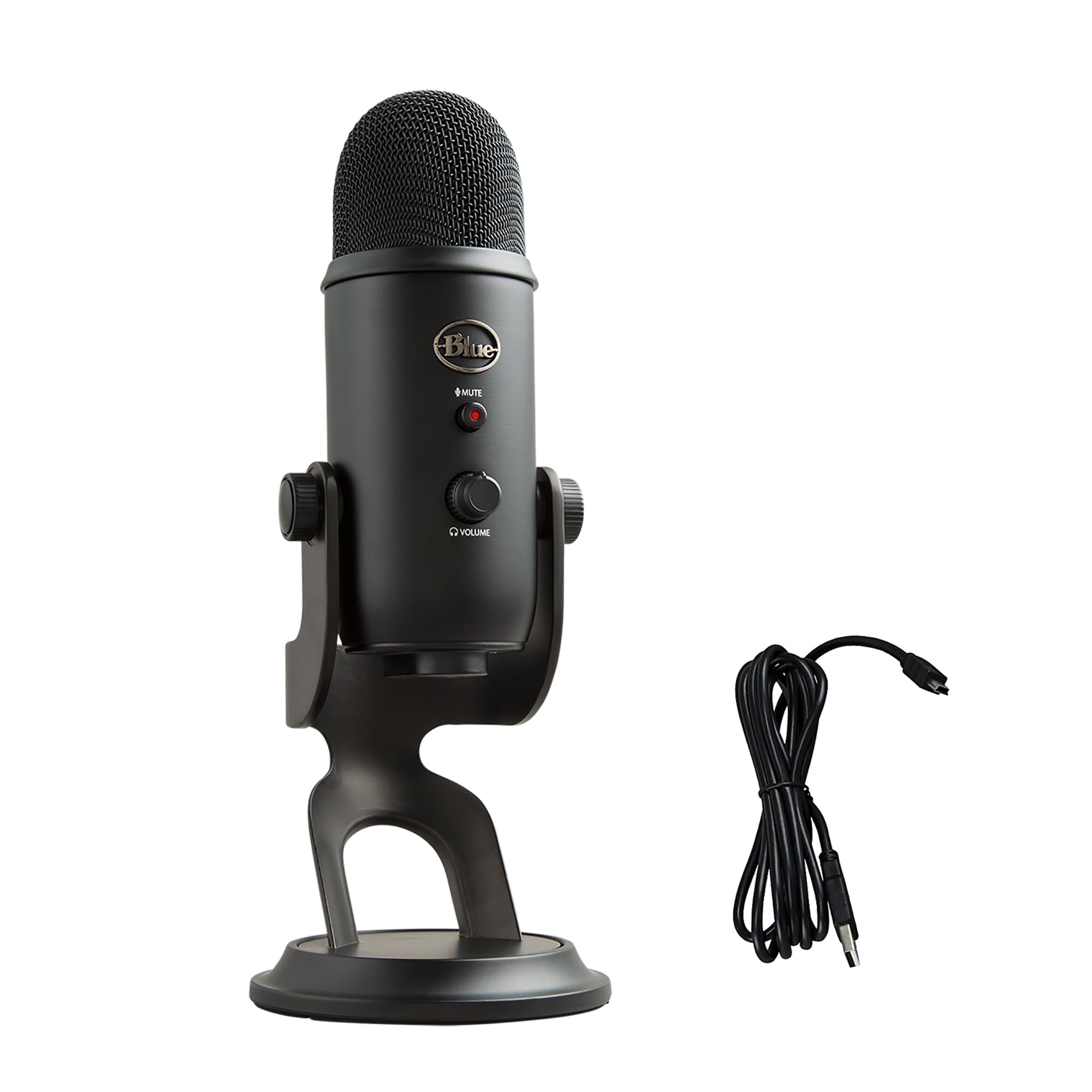
Hardware mute buttons provide instant audio control during streaming emergencies. Software muting introduces delay and potential failure points, while physical switches offer immediate silence when needed. Look for easily accessible mute controls that provide clear visual or tactile feedback.
Headphone monitoring capabilities let you hear exactly what your audience receives. Built-in headphone jacks with volume controls eliminate monitoring delays and allow real-time audio adjustments. This feature proves invaluable for catching audio issues before viewers notice them.
Polar pattern selection adds versatility to your streaming setup. Cardioid patterns work best for solo streaming, rejecting sound from behind the microphone. Omnidirectional patterns capture multiple speakers for collaborative streams, while bidirectional patterns suit interview formats. Multiple pattern options future-proof your investment as content formats evolve.
Boom arm compatibility requires standard 5/8-inch threading for professional mounting options. Desktop stands limit positioning flexibility and increase desk clutter. Quality boom arms cost $30-50 but dramatically improve audio quality by positioning microphones optimally while keeping them out of your camera frame.
Pop filters and windscreens address plosive sounds that plague streaming audio. Built-in pop filtering saves desk space, but external filters provide superior protection and easy replacement. Budget $15-25 for quality pop filters if your chosen microphone lacks internal protection.
Software integration streamlines your workflow through dedicated applications offering noise reduction, auto-leveling, and streaming-specific presets. These features reduce post-processing needs and help maintain consistent audio quality across varying streaming conditions.
Final Verdict
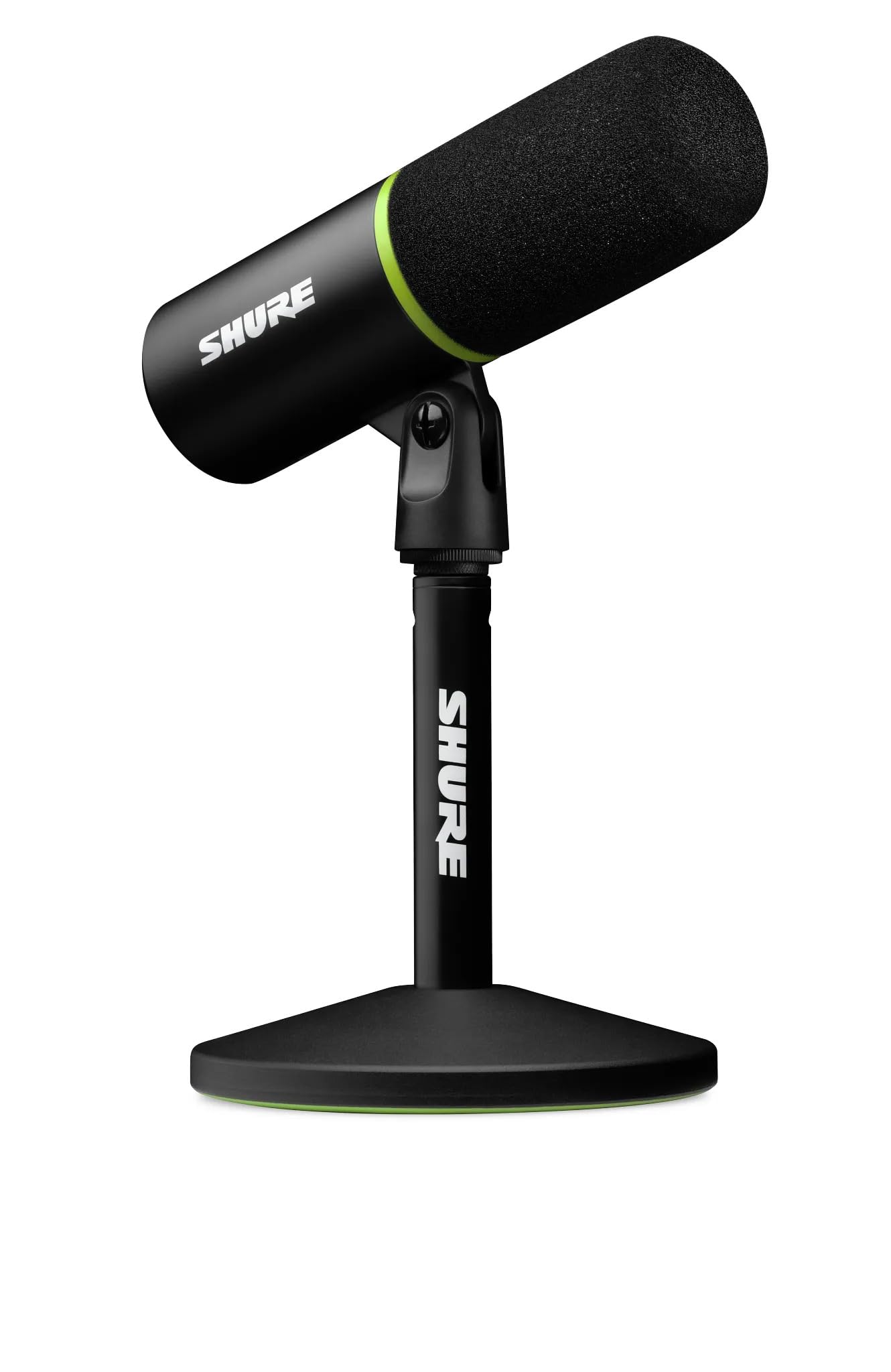
The Shure MV6 strikes the ideal balance for most streamers, delivering professional audio quality through its dynamic capsule design while remaining plug-and-play simple. Its $279 price point reflects genuine broadcast-grade engineering, and the built-in headphone monitoring eliminates guesswork during live streams.
Budget-conscious creators will find excellent value in the Audio-Technica ATR2100x-USB at $169, especially if you plan to upgrade your audio setup gradually. The dual XLR/USB connectivity future-proofs your investment without breaking the bank.
Serious content creators operating in challenging acoustic environments should consider the Electro-Voice RE20 despite its $449 premium. Budget constraints, and growth plans will determine the right choice. Each microphone we tested excels in its intended category, ensuring you’ll capture clear, professional audio regardless of which direction matches your streaming ambitions.