



Buying Guide: Choosing the Right Webcam for Streaming
Resolution and Frame Rate: 4K vs 1080p Reality
Most streaming platforms cap video quality at 1080p, making 4K webcams seem like overkill at first glance. However, 4K sensors provide superior image quality even when downscaled to 1080p output. The extra pixel density allows for better detail retention, reduced noise, and more natural color reproduction compared to native 1080p cameras.
4K becomes essential if you plan to record content for YouTube or edit footage later. Also, the higher resolution gives you cropping flexibility without quality loss and future-proofs your setup as platforms gradually increase quality limits. Frame rate matters more for gaming streams, where 60fps creates smoother motion than 30fps, particularly for fast-paced games.
Consider your internet upload speed before choosing 4K. Recording 4K at 30fps requires roughly 25-40 Mbps of bandwidth, while 1080p 60fps needs about 6-10 Mbps. Your streaming software also affects performance – OBS handles 4K encoding better than basic streaming apps, but requires more CPU power for real-time processing.
Sensor Size and Low-Light Performance
Sensor size directly impacts image quality, especially in typical streaming lighting conditions. Webcams with 1/1.2-inch sensors capture significantly more light than standard 1/2.9-inch sensors, resulting in cleaner images with less grain in dimly lit rooms.
Aperture ratings tell the complete story. A camera with f/1.7 aperture lets in four times more light than f/4, creating brighter images without artificial lighting. This translates to natural skin tones and visible details even with basic desk lamps or window light. Smaller sensors struggle in anything less than bright, direct lighting, often producing washed-out or grainy footage.
Megapixel count matters less than sensor quality. An 8-megapixel camera with a large sensor and wide aperture will outperform a 12-megapixel camera with a tiny sensor in real-world streaming conditions. Look for cameras that specify sensor dimensions rather than just resolution numbers.
Most streamers work with suboptimal lighting, making sensor performance more critical than maximum resolution. Ring lights and softboxes help, but a camera with excellent low-light capabilities reduces your dependence on additional equipment and creates more natural-looking streams.
Essential Features vs Nice-to-Have Extras
Autofocus speed separates professional-grade webcams from basic models. Fast, accurate autofocus keeps you sharp when leaning forward to read chat or moving around your setup. Slow autofocus creates distracting hunting effects that break viewer immersion.
Physical privacy shutters provide security peace of mind that software solutions cannot match. Unlike digital privacy modes, physical shutters guarantee the camera cannot activate without your knowledge, making them essential for streamers concerned about security breaches.
Built-in microphones serve as backup audio sources but rarely match dedicated microphone quality. Most successful streamers invest in separate audio equipment, making microphone quality a lower priority when choosing webcams. However, decent built-in audio helps during microphone failures or quick streams.
Adjustable field of view (65-103 degrees) adapts to different streaming setups and room sizes. Narrow fields work better for close-up commentary, while wider angles accommodate full-body streams or multiple people. Software-based digital zoom often reduces quality, making optical field of view adjustment more valuable.
Companion software quality varies dramatically between manufacturers. Elgato Camera Hub leads the market with comprehensive controls for exposure, white balance, and effects. Basic cameras often lack software entirely, limiting customization options and forcing reliance on third-party streaming software for adjustments.
Final Verdict
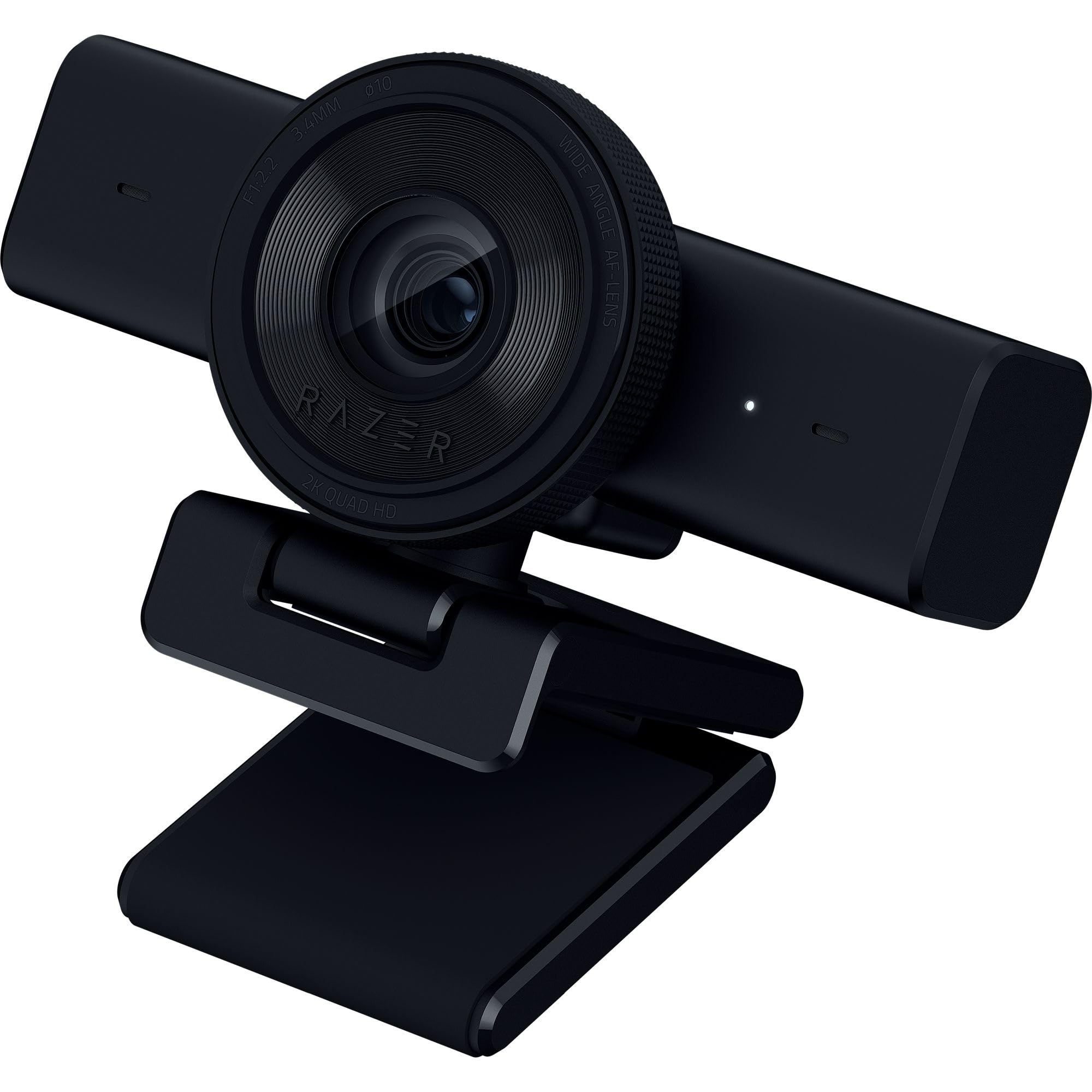
The Razer Kiyo Pro Ultra stands as our top choice for professional streamers who demand uncompromising image quality. Its 4K/30fps recording, adaptive light sensor, and premium glass optics justify the $299 investment for serious content creators building their brand.
Content creators seeking versatility will find exceptional value in the Logitech Brio 500. Priced at $199, it delivers reliable 4K recording with solid low-light performance and comprehensive software controls that adapt to various streaming scenarios.
Budget-conscious beginners should consider the Elgato Facecam Neo at $99. While limited to 1080p/60fps, its consistent image quality and straightforward setup make it ideal for new streamers testing the waters without major financial commitment.
Your streaming goals ultimately determine the right choice. Professional streamers prioritizing maximum image quality benefit from premium models, while casual creators often find mid-range options perfectly adequate. Consider your lighting conditions, streaming frequency, and growth plans when making your decision. Remember that audio quality often impacts viewer retention more than marginal video improvements, so balance your webcam investment accordingly.