



Buying Guide: How to Choose the Best Small Computer Speakers
Desk Space and Size Considerations
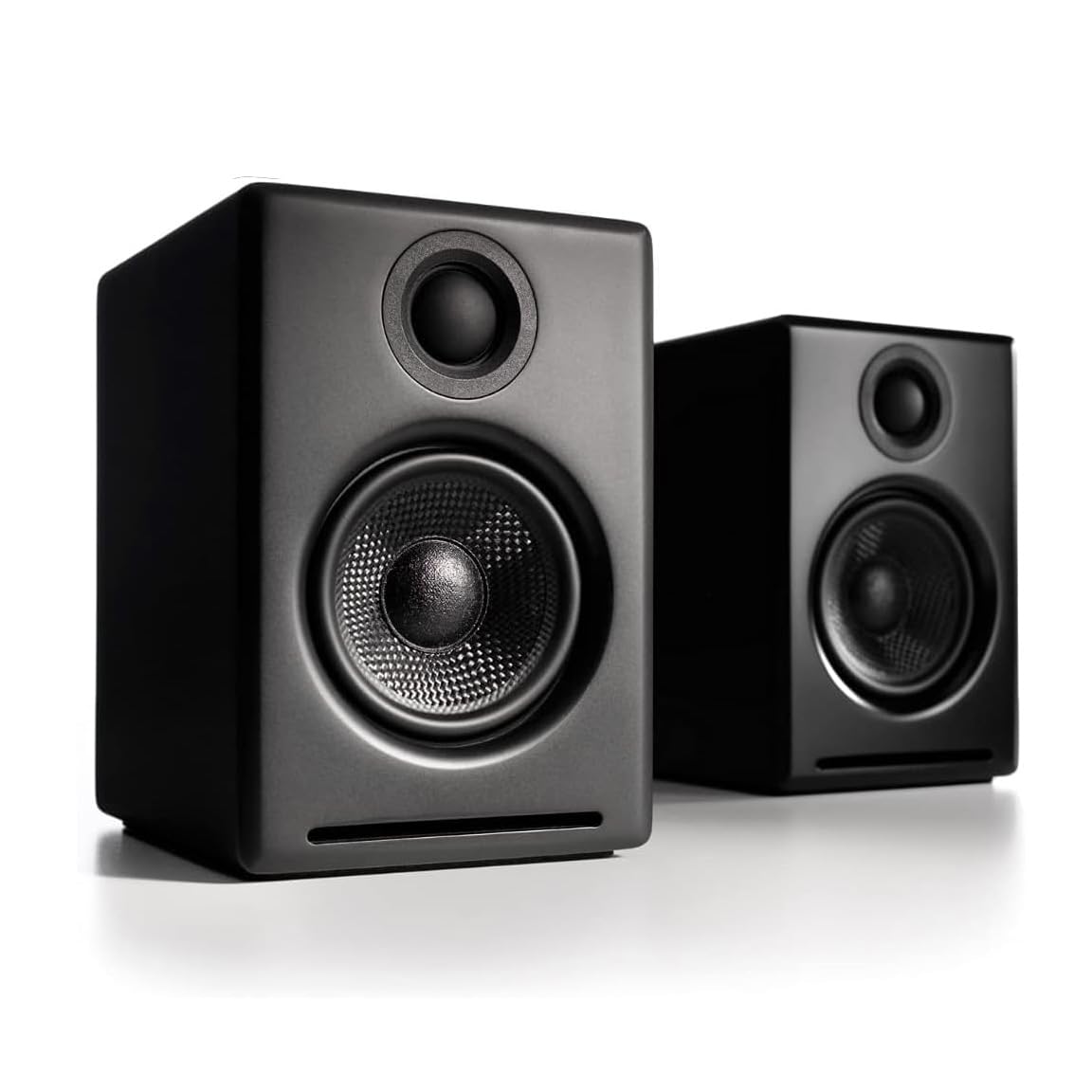
Desktop real estate matters more than you might think. Measure your available desk width and depth before shopping, accounting for monitors, keyboards, and other peripherals. Most small computer speakers need 12-16 inches of total width when properly spaced, with individual speakers measuring 3-5 inches wide and 4-8 inches deep.
Optimal placement puts speakers at ear level, angled 15-30 degrees toward your listening position. This typically means positioning them 18-24 inches apart for nearfield listening at a standard desk setup. Speakers placed too close together create a narrow soundstage, while excessive spacing can leave a hollow center image.
Cable management becomes crucial in tight spaces. USB-powered speakers eliminate wall adapters but may require longer cables to reach your computer. Measure the distance from your audio source to each speaker location, adding 20% extra length for proper routing behind monitors and around desk clutter.
Consider vertical clearance too. Bookshelf-style speakers need 6-8 inches of height, which may interfere with monitor arms or shelving. Satellite speakers with angled drivers often work better in cramped quarters, though they sacrifice some acoustic performance for space efficiency.
Connectivity Options and Compatibility
Connection type directly impacts both convenience and audio quality. USB speakers draw power and receive digital audio through a single cable, making them ideal for laptops and clean desk setups. However, USB limits you to computer sources and may introduce electrical noise from the host device.
The 3.5mm analog input remains the most versatile option, working with phones, tablets, gaming consoles, and virtually any device with a headphone output. Audio quality depends on your source device’s DAC, which varies significantly between laptops and dedicated audio interfaces.
Optical digital inputs deliver the cleanest signal path for compatible devices, bypassing your computer’s potentially noisy analog circuitry. This connection works particularly well with gaming consoles and higher-end motherboards equipped with optical outputs.
Bluetooth adds wireless convenience but introduces compression artifacts and potential latency issues. AptX and LDAC codecs minimize quality loss, though not all devices support these advanced protocols. Wireless also means charging batteries or keeping speakers plugged in.
Professional users should consider balanced XLR or TRS inputs, which provide superior noise rejection and work with audio interfaces. These connections typically appear only on studio monitors priced above $150 per pair.
Sound Quality vs Size Trade-offs
Physics limits what small speakers can achieve. Driver size directly correlates with bass response, and compact 3-4 inch woofers struggle to reproduce frequencies below 80-100 Hz. This means missing the fundamental frequencies of bass guitars, kick drums, and movie sound effects.
CTA-2010 measurement standards show that most small 2.0 systems produce usable bass down to 60-80 Hz at moderate volumes. Below that range, you’ll hear upper harmonics but lose the physical impact that larger drivers provide. This limitation affects music genres like electronic, hip-hop, and orchestral recordings more than vocals or acoustic instruments.
Adding a subwoofer transforms the listening experience but doubles your desk footprint and cable complexity. A 2.1 system with even a modest 6-inch subwoofer extends bass response to 40-50 Hz, covering most musical content. However, subwoofers require floor space and careful positioning to avoid boomy resonances in small rooms.
Listening distance also affects perceived quality. Small speakers excel at nearfield monitoring distances of 3-4 feet, where their limited power output and directional characteristics work optimally. Push them too hard or sit too far away, and distortion becomes audible while soundstage collapses.
Frequency response matters more than peak power ratings. Look for speakers with relatively flat response curves between 100 Hz and 10 kHz, avoiding models with exaggerated bass bumps or harsh treble spikes that fatigue your ears during extended listening sessions.
Final Verdict
After extensive testing across different price points and use cases, the Pioneer DJ DM-50D-BT emerges as our top choice for most users. Its balanced 4-inch drivers deliver surprisingly full sound for desktop listening, while Bluetooth connectivity adds welcome flexibility for streaming from phones or tablets. The $149 price point strikes an ideal balance between performance and value.
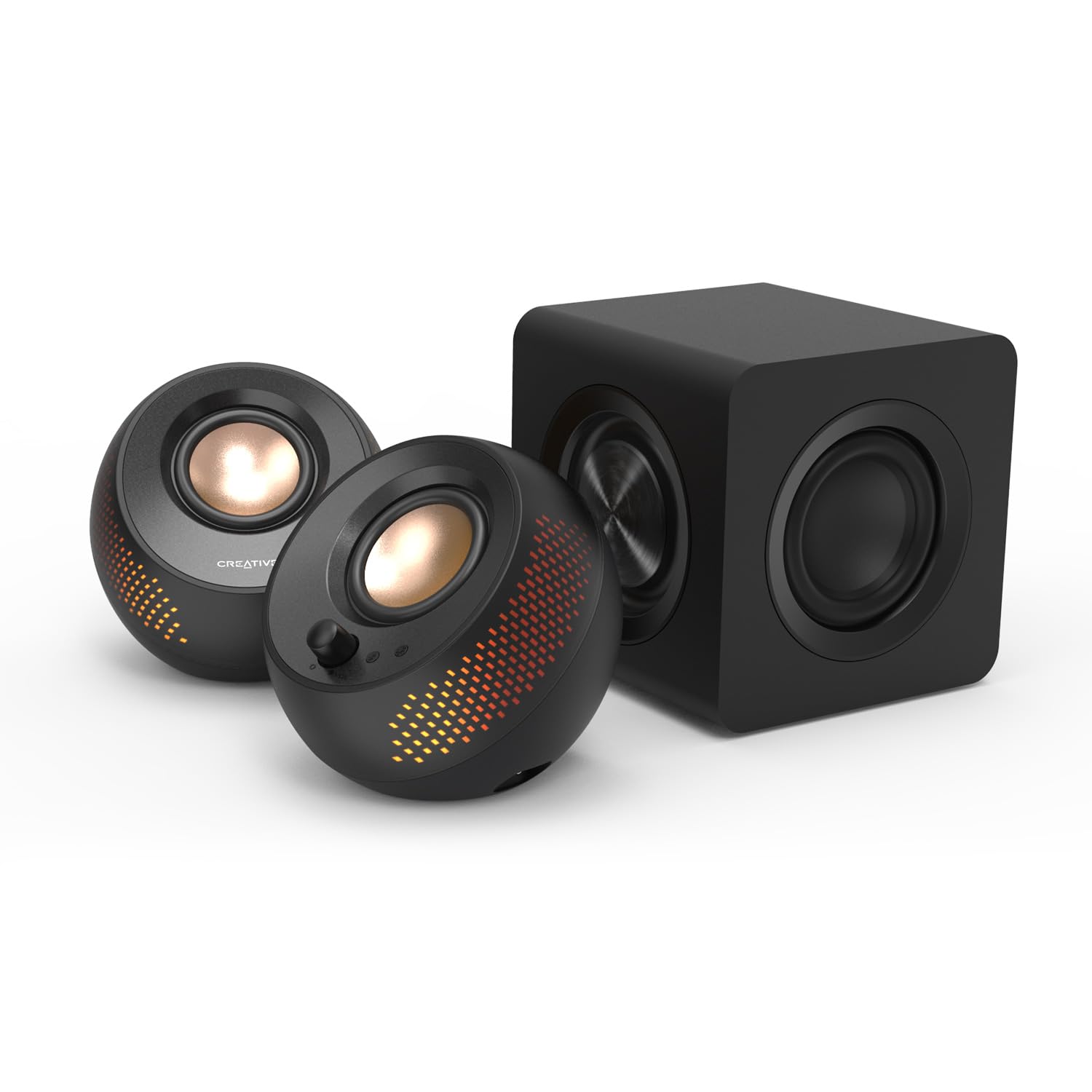
Budget-conscious buyers should focus on the Creative Pebble Pro, which delivers impressive audio quality for just $39. Despite its compact 2.25-inch drivers, this speaker punches well above its weight class and fits comfortably on crowded desks.
Your desk space ultimately determines the best choice. Cramped workstations benefit from ultra-compact options like the Pebble Pro, while users with dedicated desk real estate can accommodate larger drivers that deliver richer bass response. Consider your primary audio sources too – if you frequently switch between devices, prioritize speakers with multiple input options over those limited to USB or 3.5mm connections.