

Buying Guide
Essential Features to Consider
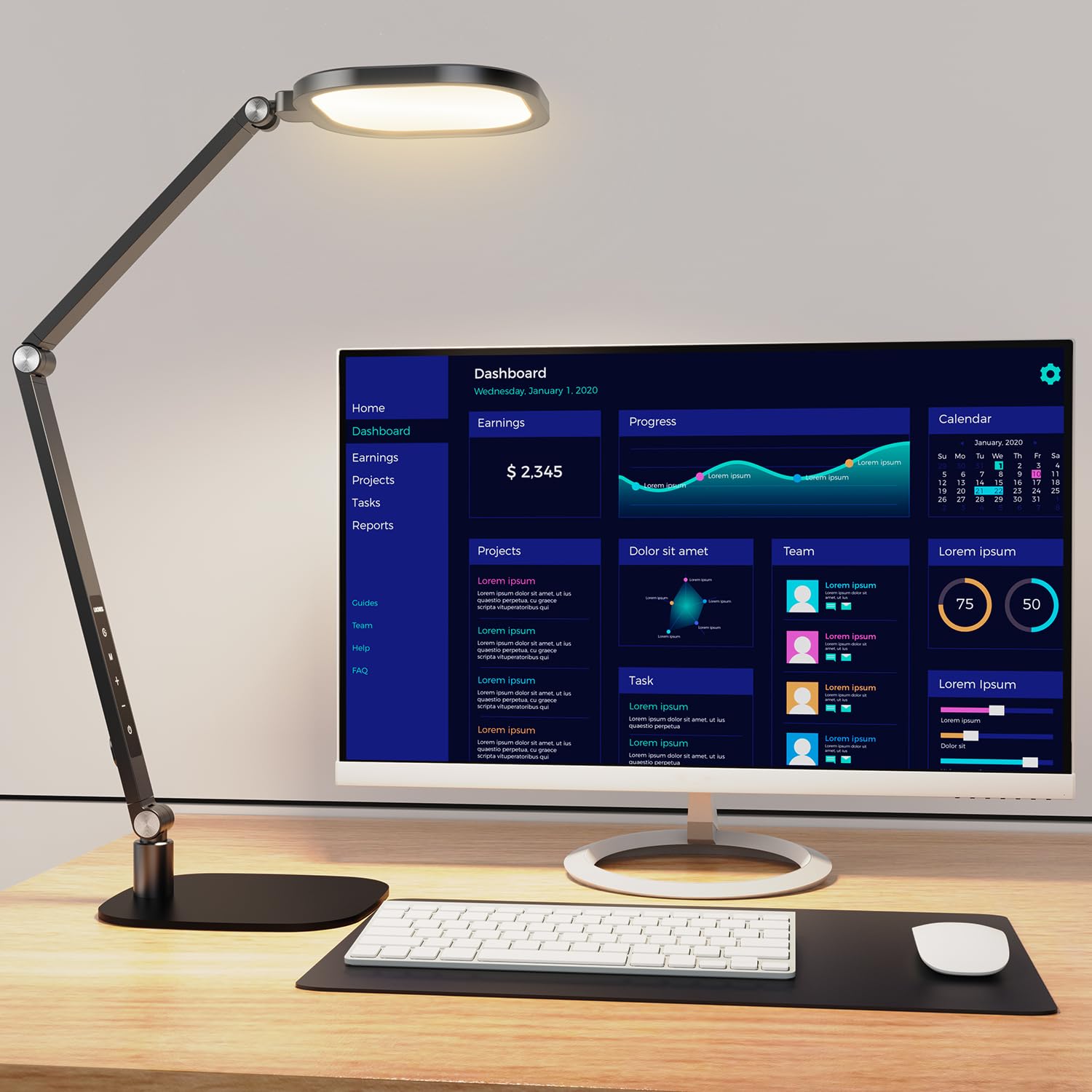
Adjustability stands as the most critical feature in any desk lamp. Look for models with articulating arms that pivot at multiple joints, allowing you to position light exactly where you need it. The lamp head should tilt and rotate independently, giving you precise control over beam direction. This flexibility prevents shadows from falling across your work and eliminates the need to constantly reposition your laptop or documents.
Brightness control separates good lamps from great ones. Stepless dimming gives you infinite adjustment between minimum and maximum output, while cheaper models offer only three or four fixed levels. Your lighting needs change throughout the day as natural light shifts, so continuous dimming lets you maintain optimal visibility without eye strain.
Color temperature options matter more than most people realize. The sweet spot for desk work falls between 3,000K and 4,000K, providing warm white light that reduces eye fatigue during long sessions. Some premium models offer adjustable color temperature, letting you shift from cool daylight (5,000K+) for detailed tasks to warm light (2,700K) for evening reading.
Switch placement affects daily usability more than you might expect. The best lamps position controls within easy reach of your dominant hand, often on the lamp head or base. Touch controls feel modern but can be accidentally triggered. Physical buttons and dials provide tactile feedback and work reliably even when your desk gets dusty.
LED vs. Traditional Bulbs and Build Quality
LED technology dominates the desk lamp market for good reasons. Quality LEDs deliver 25,000+ hours of operation, meaning your lamp will likely outlast your desk. They consume 75% less energy than incandescent bulbs while producing virtually no heat, keeping your workspace comfortable during summer months.
Traditional halogen bulbs still appear in some budget models, but they create significant heat and burn out after roughly 2,000 hours. The initial savings disappear quickly when you factor in replacement costs and higher electricity bills. Fluorescent options exist but suffer from flickering and poor dimming performance.
Build quality indicators start with materials. Aluminum construction provides durability and heat dissipation, while plastic bases feel flimsy and may crack over time. Steel components add weight and stability but increase manufacturing costs. Premium models often combine materials strategically, using metal for stress points and high-quality plastic for lighter components.
Warranty length serves as a reliable quality indicator. Manufacturers confident in their products offer three to five-year warranties, while budget brands typically provide only one year of coverage. Internal components like LED drivers and dimming circuits represent the most common failure points, so longer warranties protect against these expensive repairs.
Workspace Setup and Positioning
Proper lamp placement prevents the eye strain and headaches that plague many office workers. Position your lamp 18 to 24 inches above your desk surface, angling the light to illuminate your work area without creating glare on your computer screen. The light source should sit slightly behind and to the side of your monitor, never directly in front where it competes with screen brightness.
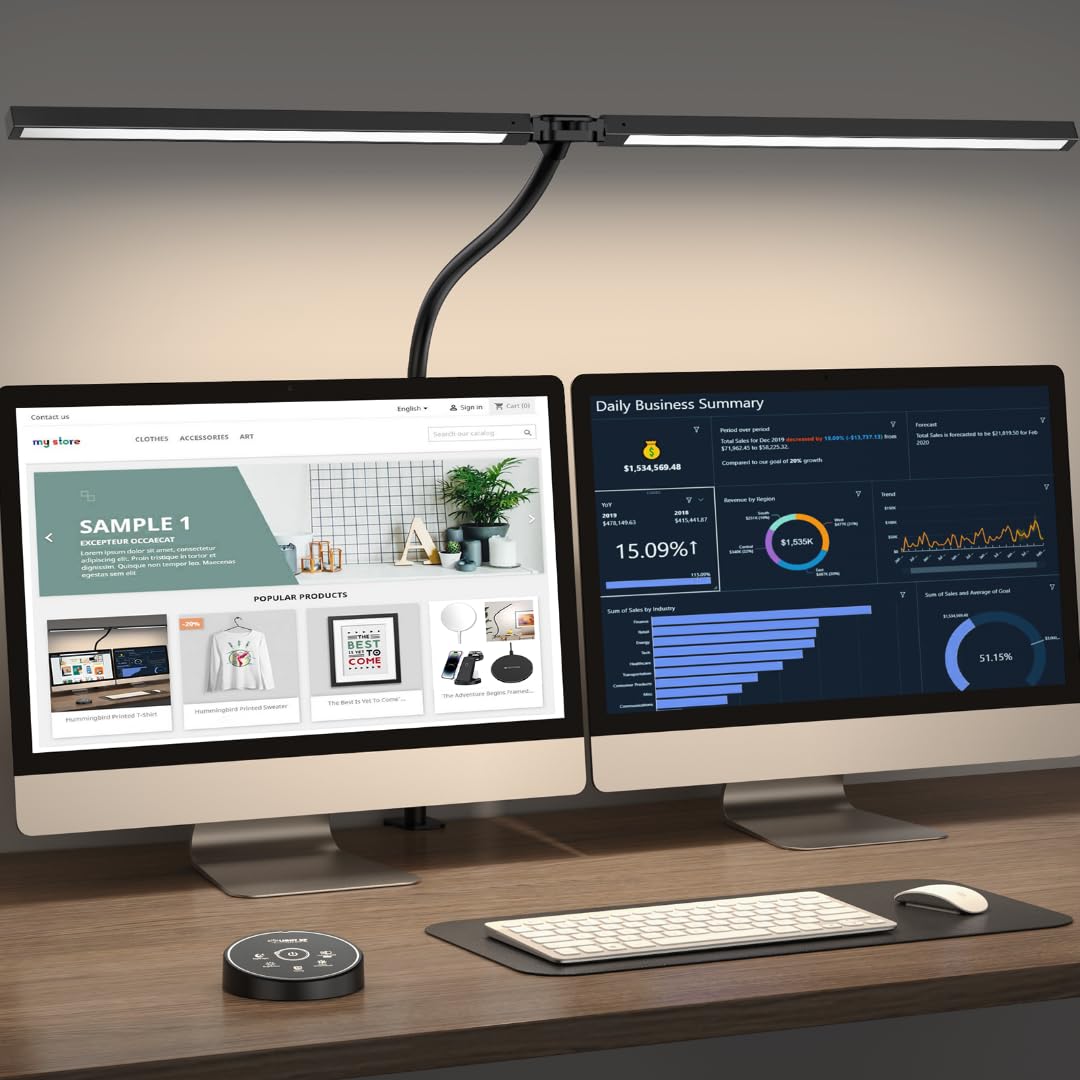
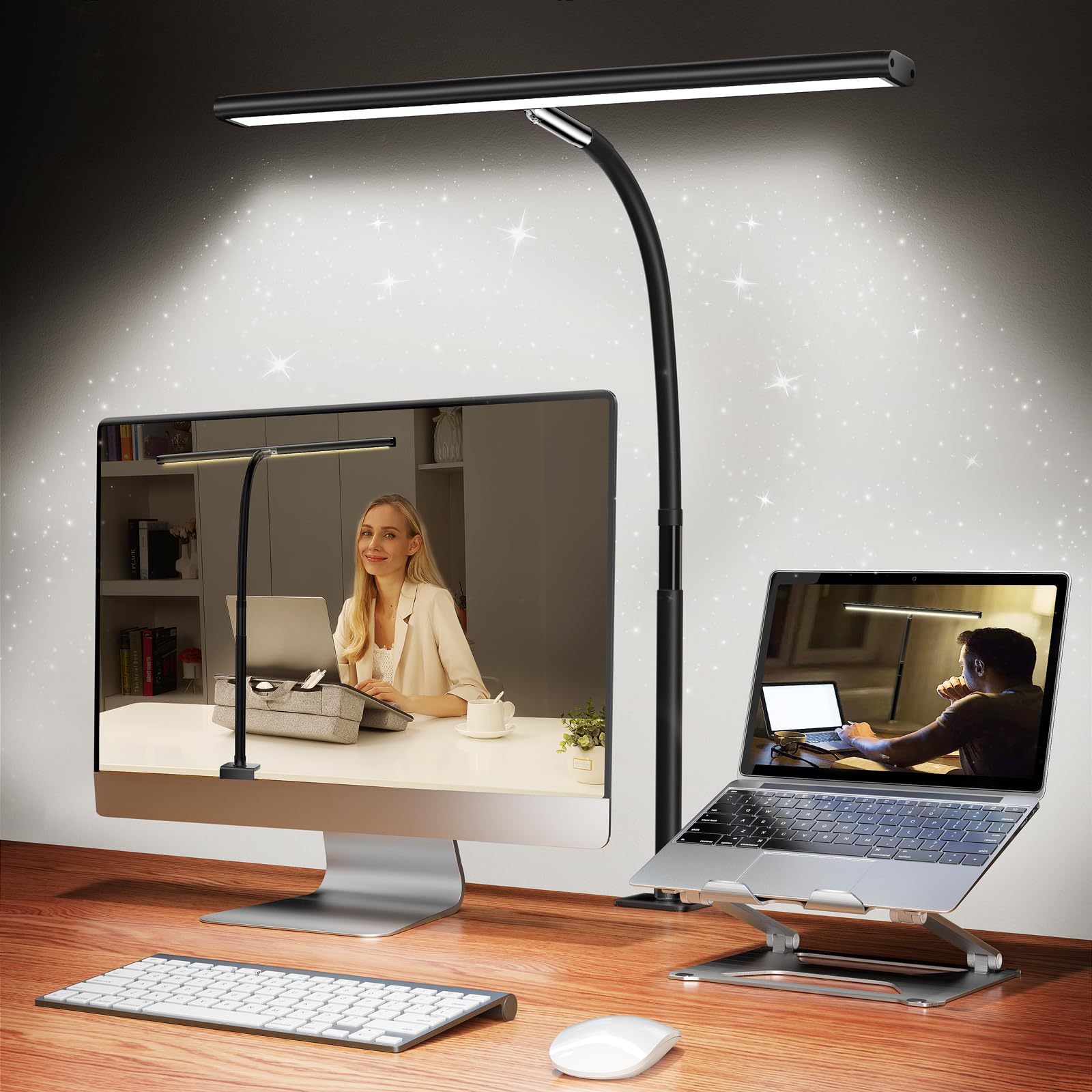
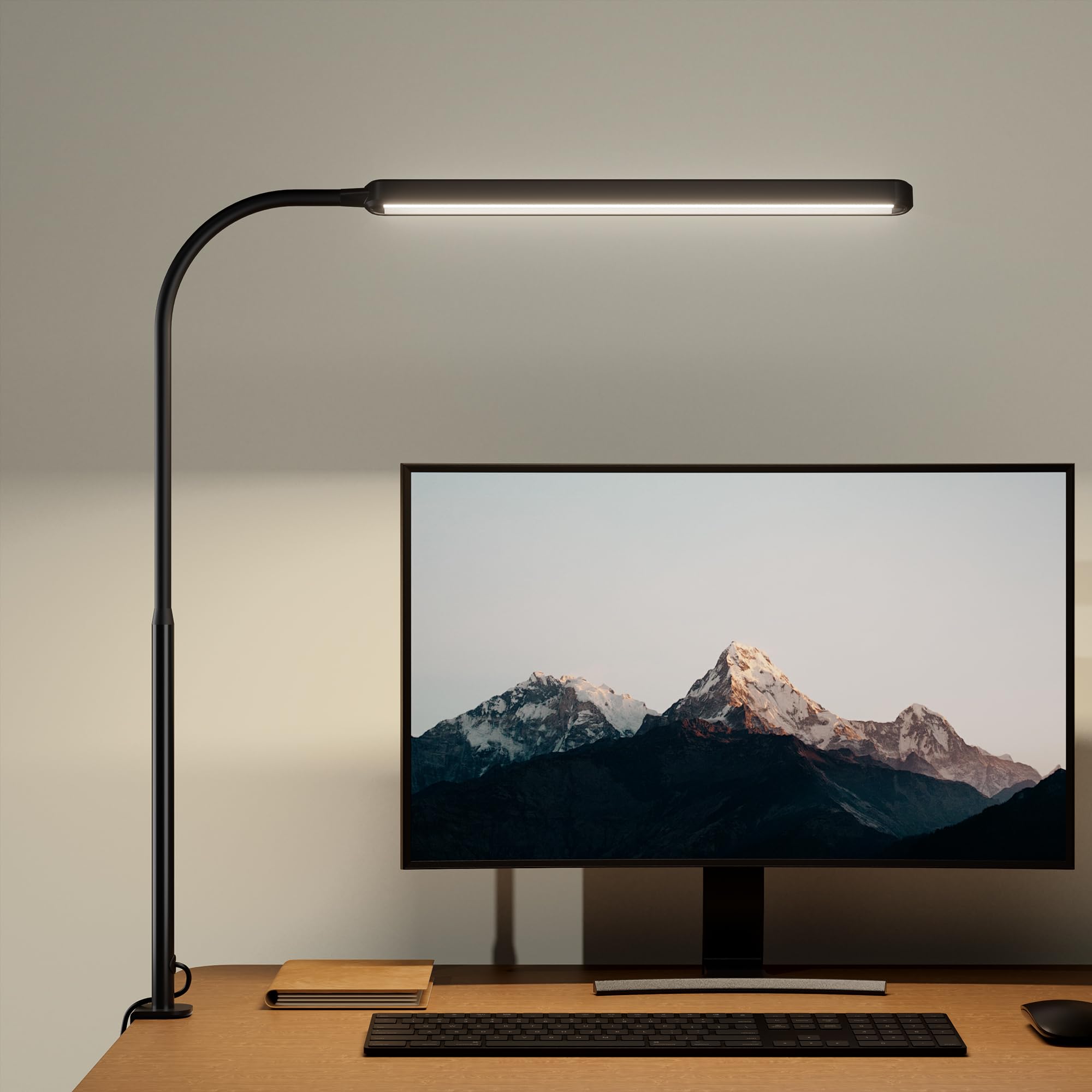
Desk real estate determines which mounting style works best for your situation. Freestanding lamps offer maximum flexibility but consume valuable surface space with their bases. Clamp-on models attach to desk edges, freeing up workspace while providing excellent adjustability. Built-in desk mounts create the cleanest look but require permanent installation.
Consider your dominant hand when positioning controls and the lamp head. Right-handed users typically prefer lamps on the left side to avoid casting shadows while writing, though this depends on your specific desk layout and primary tasks. Multiple light sources often work better than a single powerful lamp, reducing harsh shadows and providing more even illumination across your entire workspace.
Cord management affects both safety and aesthetics. Look for models with adequate cord length to reach your nearest outlet without creating trip hazards. Some premium lamps include cord routing channels or clips to keep cables organized and out of sight.
Final Verdict
The perfect desk lamp balances your specific workspace needs with practical functionality. For dedicated reading and detail work, adjustable LED models with multiple brightness levels and color temperature controls deliver the precision you need. Budget-conscious buyers will find excellent options under $50 that provide solid performance without premium features.
Workspace size matters significantly in your decision. Compact clamp-on designs work brilliantly for small desks or shared spaces, while larger workstations benefit from traditional base models with extended reach. Consider your primary tasks: architects and designers need wide, even illumination, while casual readers can prioritize portability and simplicity.
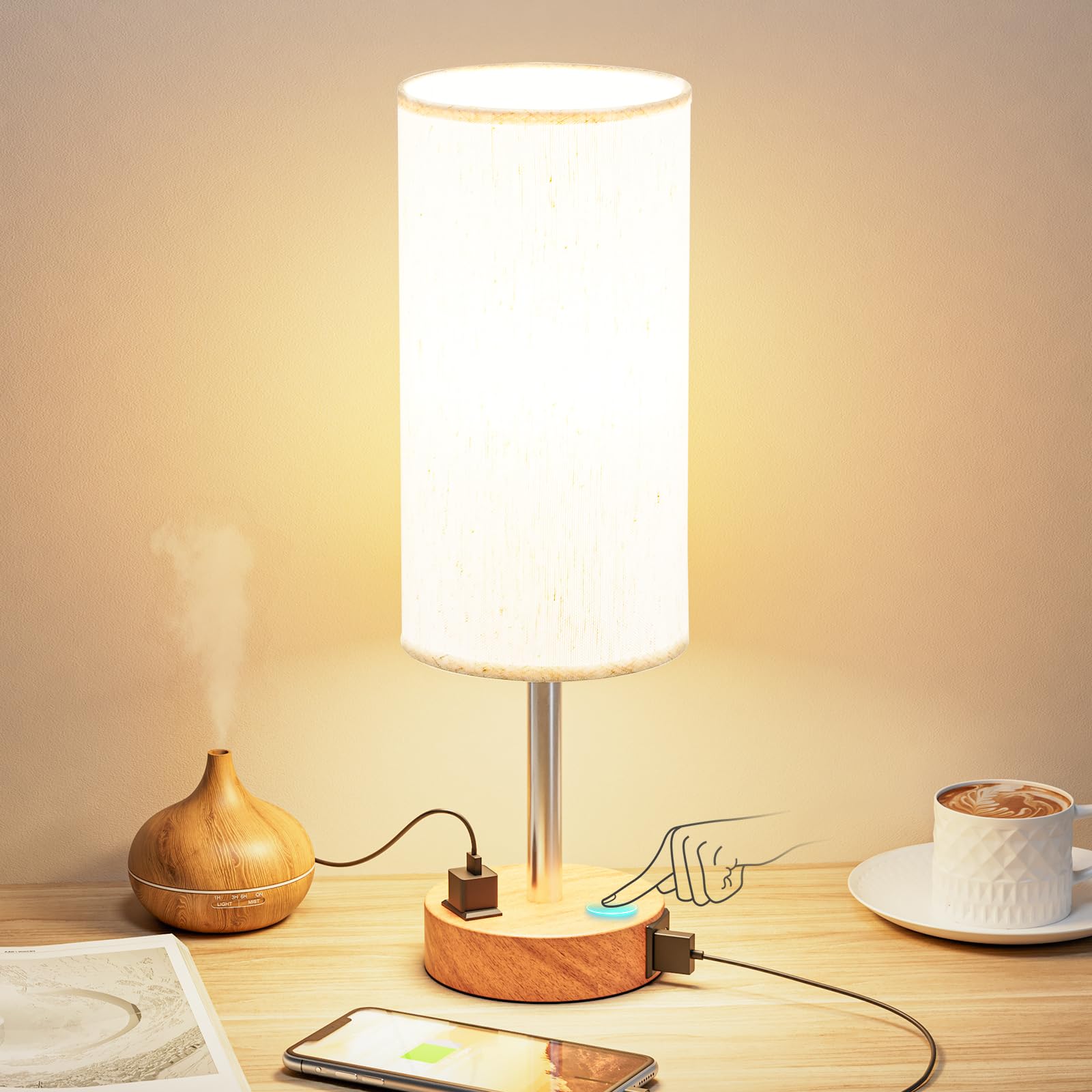
Eye strain concerns point toward flicker-free LED technology with warm color temperatures for evening use. USB charging capabilities add convenience for device-heavy workspaces, though they typically increase cost by $20-40.
Your aesthetic preferences shouldn’t be an afterthought. Modern minimalist designs complement contemporary offices, while classic banker’s lamps suit traditional spaces. With the information we’ve covered, you can confidently select a desk lamp that enhances both your productivity and workspace appeal.